

Building a home Lab : Deploying a network and security mechanisms
I am a software developer from Malawi. Skilled in android and web apps.
The purpose of the this Lab is to deploy a home network and cybersecurity infrastructure. We will implement an optimal network and deploy defensive techniques used to secure and defend the network and systems. We will also be on a journey evaluating and testing the effectiveness of the defense techniques so that we identify vulnerabilities in the network and the systems.
The physical composition of the Lab includes a Mikrotik router board, a TP-link wireless router, a Huawei router and 2 Lenovo computer boxes.
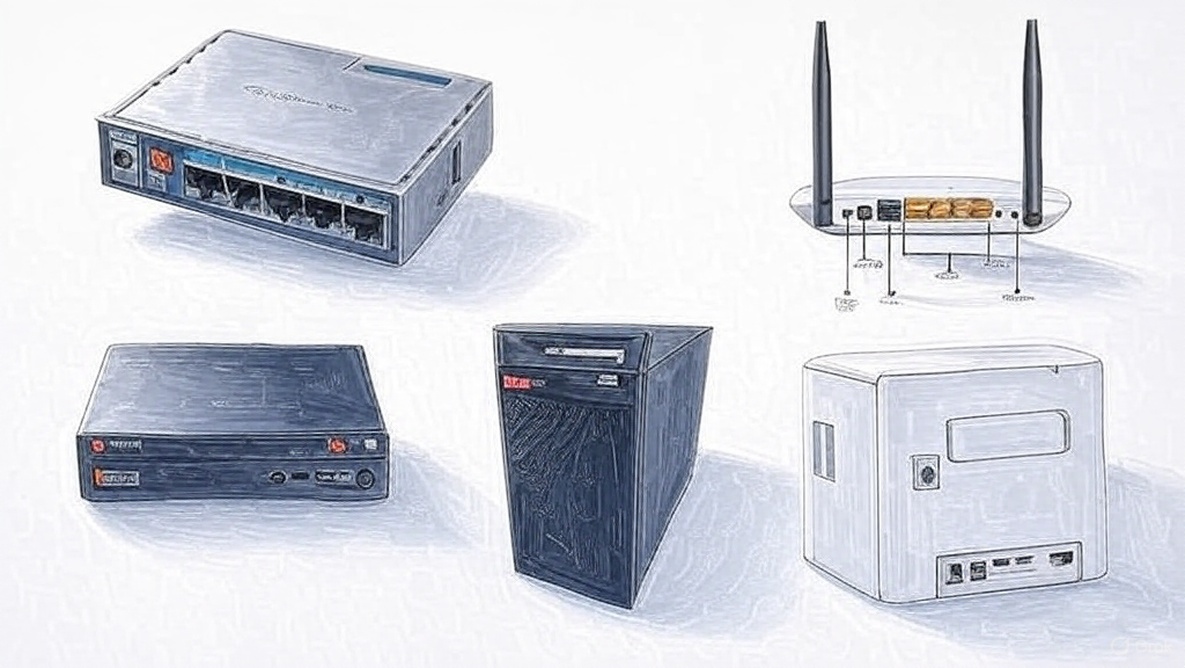
The Mikrotik routerboard will be our core router. The router will manage all the VLANs for the network. The Huawei router will provide Internet service to the network through cellular network from one of the local ISPs. We will us the Tp-link router as a wireless access point for the home WIFI. The 2 Lenovo computer boxes will be used as servers for the various services to be implemented on the network.
We will employ logical network segmentation using VLANs. This is to purposely isolate network traffic and also as employ the segmentation for implementation of other defense mechanism to enhance network security. We will segment the network into 4 VLANS as detailed in the table below
| Name | VLANID | NETWORKID | IP range | Gateway | Mask |
| NETWORKMANAGEMENT | 11 | 10.10.10.0 | 10.10.10.1 - 14 | 10.10.10.1 | /28 |
| SERVERS | 5 | 192.168.1.0 | 192.168.1.1 - 14 | 192.168.1.1 | /28 |
| HOMEWIFI | 10 | 192.168.1.16 | 192.168.1.17 - 30 | 192.168.1.17 | /28 |
| ENTERTENMENT | 15 | 192.168.1.32 | 192.168.1.33 - 46 | 192.168.1.33 | /28 |
We will configure a couple of servers for web, database and other interesting services. Primarily, we will employ virtualization to maximize the 2 Lenovo computer boxes and make available virtual machines for the various services which will be running either on Linux or Windows operating systems.
The diagram below shows the simplistic design showing context zero connections of the devices and the 3 key VLANs to be created on the routerboard.
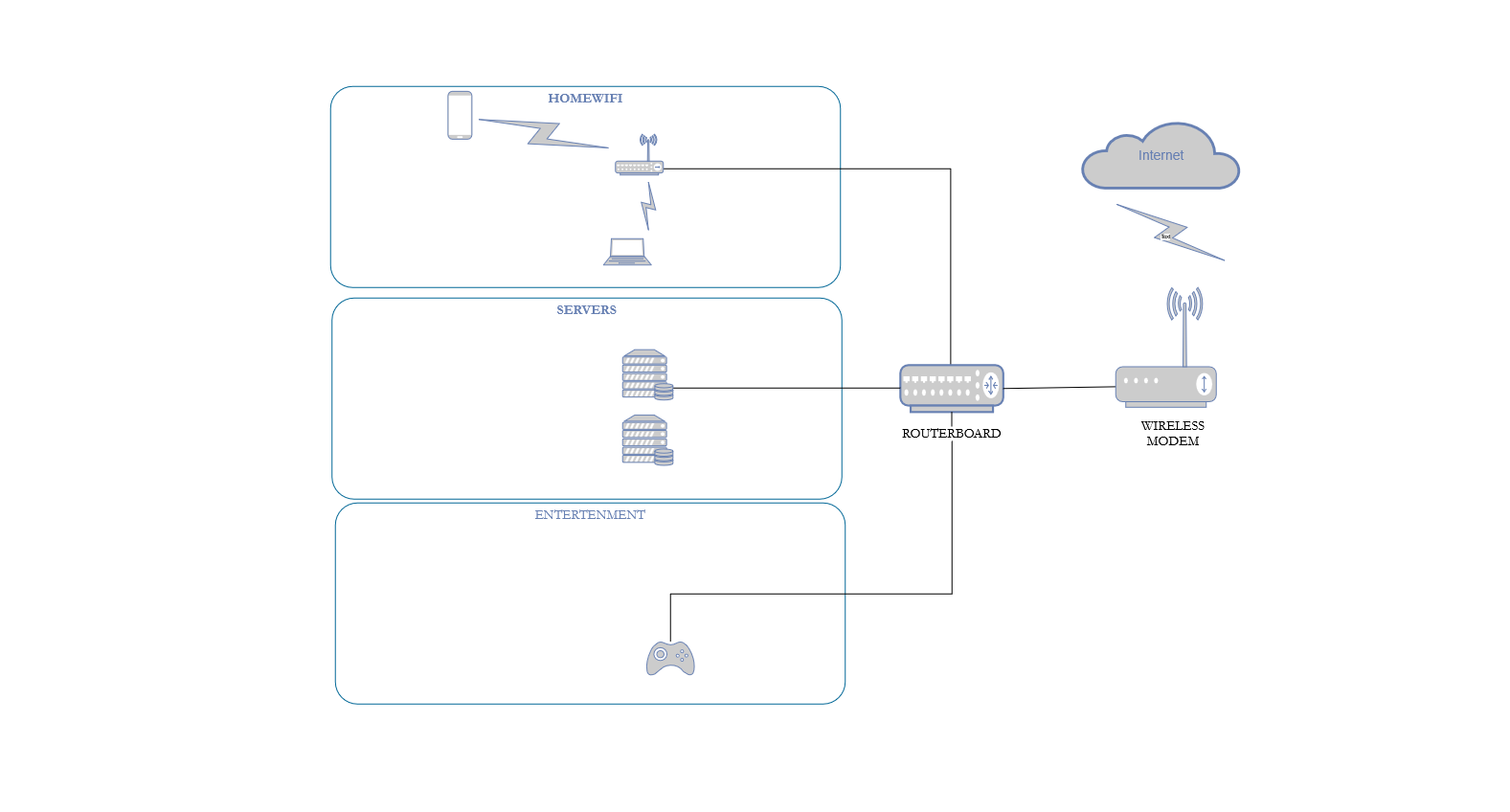
In conclusion, the purpose of the home lab will be to explore computer networks and cybersecurity with a primary focus on defense mechanism. Physically, the lab will be developed using a wireless modem, a mikrotik routerboard, 2 lenovo boxes and a TP-link wireless router to be used as an access point. Logiccally, the lab will be segmented into 3 VLANs namely SERVERS, HOMEWIFI and ENTERTENMENT. Another VLAN, NETWORK MANAGEMENT will be the network management for the LAN.
Bravo! Look out for the next part of this series.


